
Downloads
The phone and tablet apps can download a movie, an episode, a whole season or an album to watch with no connection: on a plane, on a train, or anywhere the signal gives up.
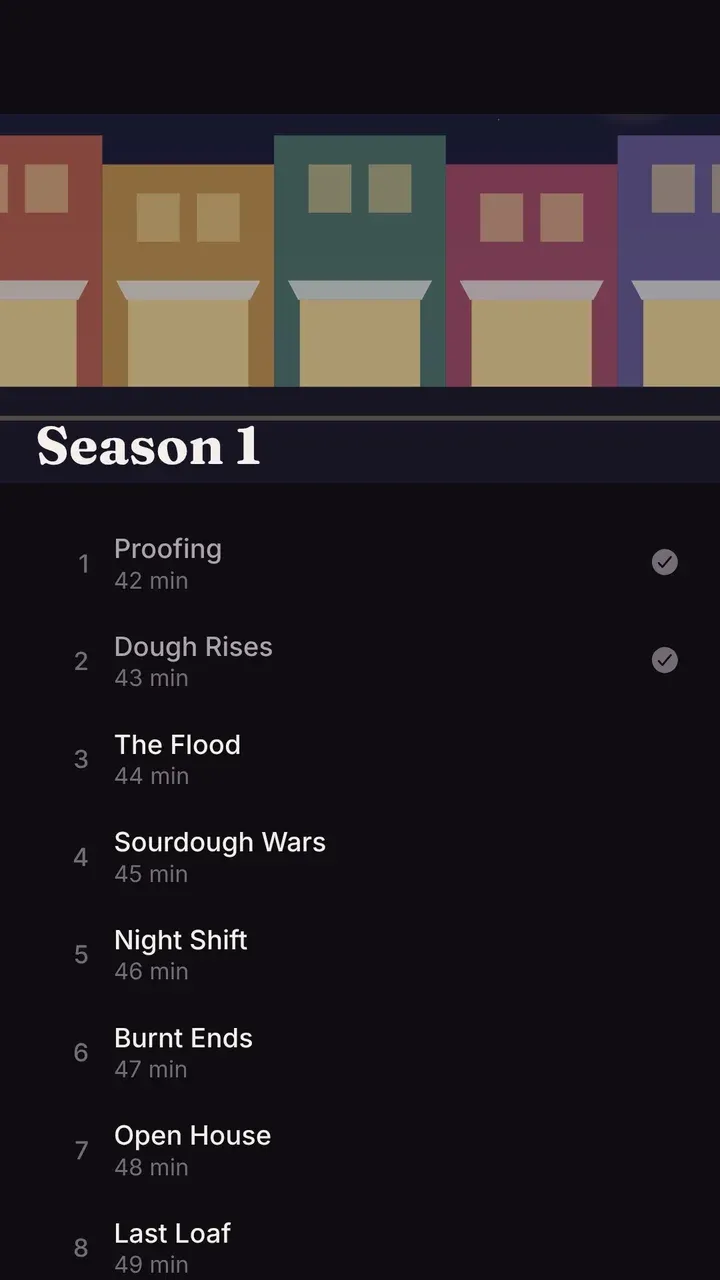
Downloads need you to be signed in, so they’re yours and not the shared Home account’s. They aren’t offered on TVs.
How downloads work
Section titled “How downloads work”A download is a job on the server, not a stream, which is what makes it reliable:
- The server prepares the file in the background: the original file if your phone can play it, otherwise a single MP4 at the quality you picked in the app’s settings (1080p, 720p or 480p).
- Your phone fetches it through the system’s own background downloads, so it keeps going with the app closed and carries on after a dropped connection.
- The file is checked against the server’s size and checksum before it counts. A broken download is tried again, up to three times.
Downloads wait for Wi-Fi unless the app’s settings allow mobile data.
Watching offline
Section titled “Watching offline”Downloaded titles are on the Downloads tab. The app remembers where you stopped, and tells the server when the phone is back online: your progress joins what you watched elsewhere, and the most recent change wins.
Signing out removes downloads from the phone.
For admins
Section titled “For admins”Prepared downloads take room in the server’s data folder (or the downloads volume in the Helm chart) until the phone has them. Matinee deletes the files it made once every device has had them for a while, and when a download is removed.