
People and accounts
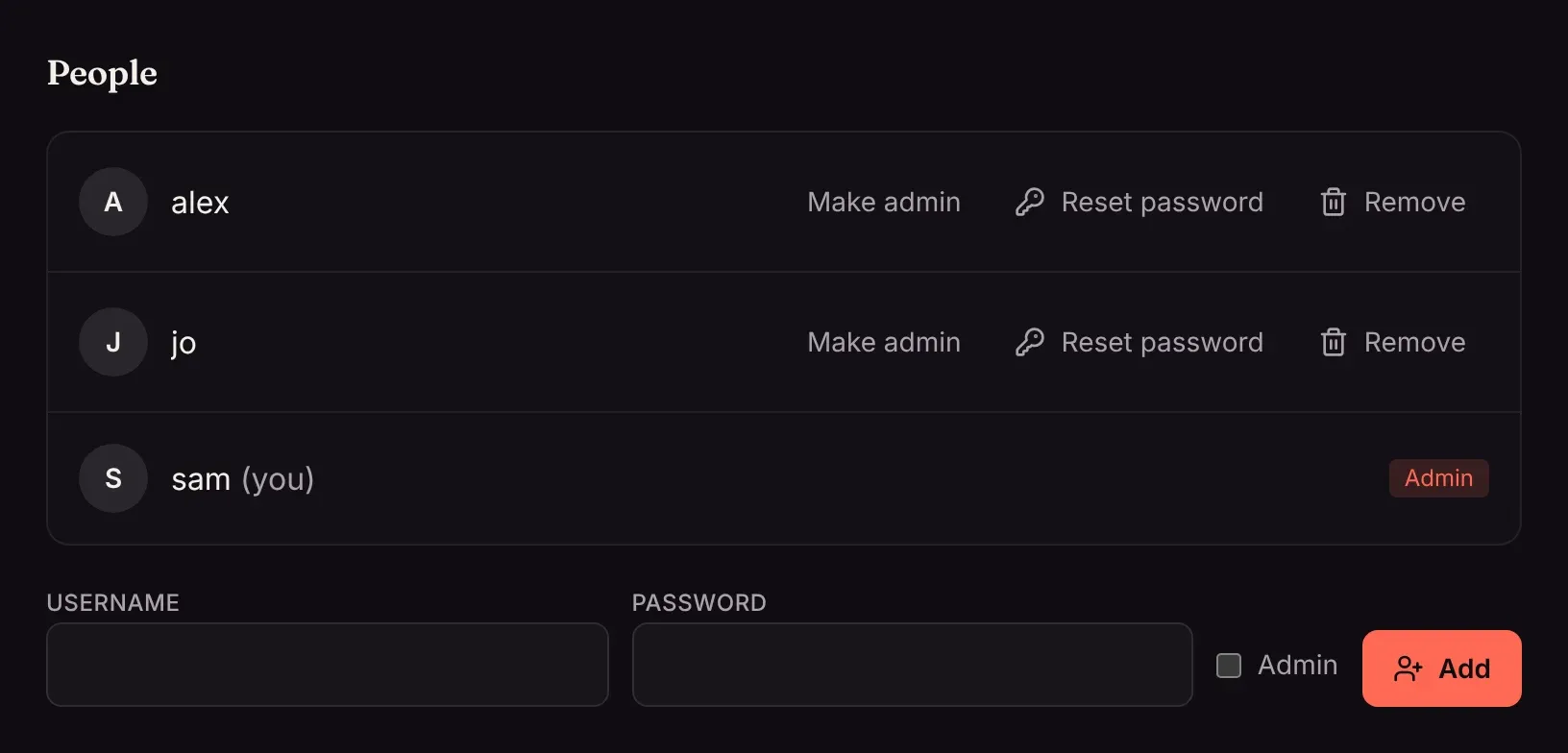
Everyone in your household can have their own account, with their own watch history, watch list, collections and theme. Admins add accounts under Settings → People.
Add someone
Section titled “Add someone”Type a username and a password (at least 8 characters), tick Admin if they should be able to change settings, and click Add. Give them the username and password; they can change the password themselves.
Admins and everyone else
Section titled “Admins and everyone else”| Admins | Everyone else | |
|---|---|---|
| Watch, keep a watch list, make their own collections | ✓ | ✓ |
| Ask for movies and shows (with Radarr or Sonarr) | ✓, added straight away | ✓, if the server allows it |
| Change settings, add libraries, manage people and profiles | ✓ | |
| Share collections with everyone | ✓ |
Manage accounts
Section titled “Manage accounts”Next to each person:
- Make admin or Remove admin.
- Reset password sets a new password and signs them out on every device.
- Remove deletes the account with its watch history, watch list and profiles. Their devices are signed out.
You can’t remove yourself, and a server always keeps at least one admin.
Change your own password
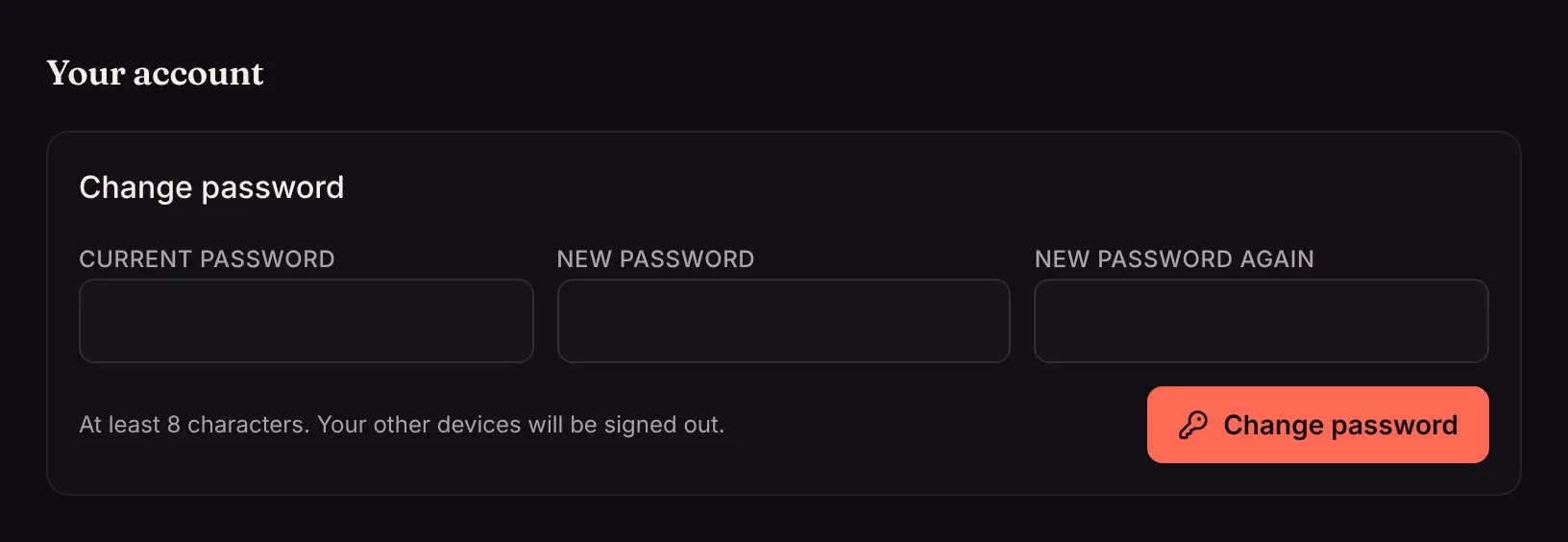
Section titled “Change your own password”Settings → Your account → Change password. Changing it signs you out on your other devices.
People who don’t want an account
Section titled “People who don’t want an account”On your home network, phones, TVs and browsers can watch without signing in, sharing one Home account. That’s often enough for guests. For a family sharing one account, profiles are lighter than separate accounts.