
The phone and TV apps
The Matinee apps bring your library to phones, tablets and TVs, with the device’s own video player so most files play exactly as they are.
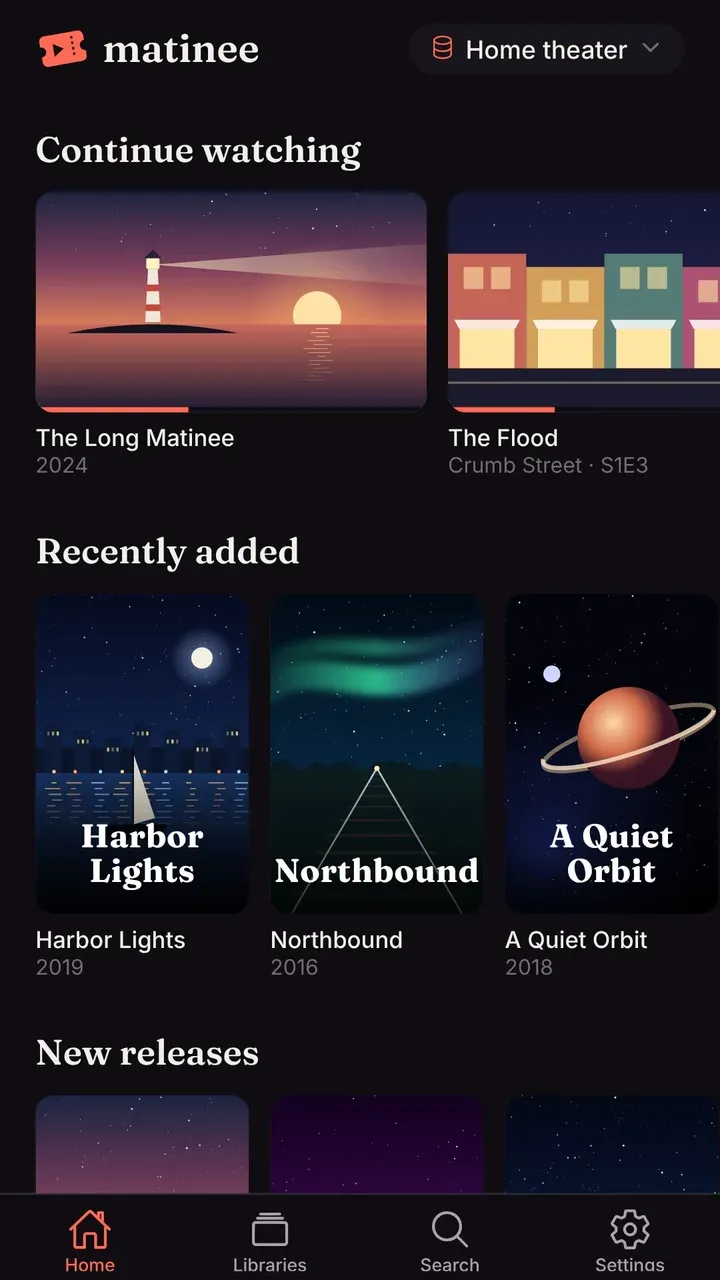
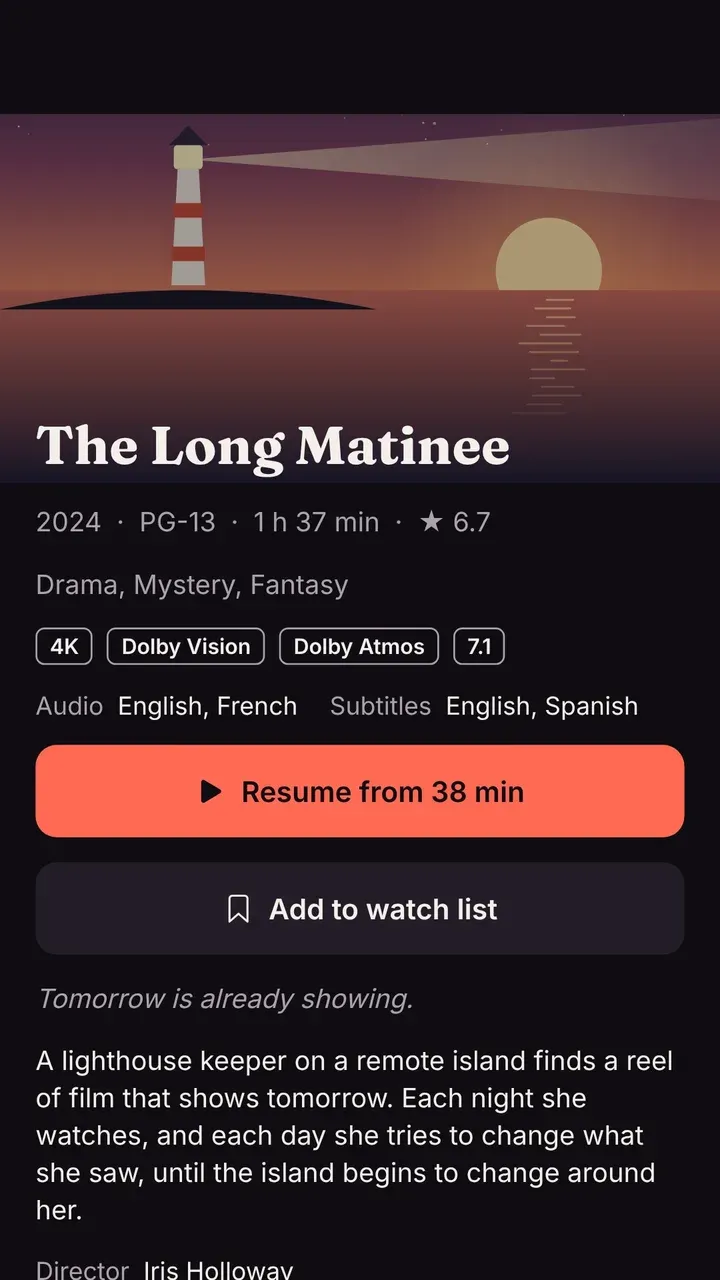
| App | Runs on |
|---|---|
| Matinee for phones and tablets | iPhone, iPad, Android phones and tablets |
| Matinee for TV | Apple TV, Android TV and Google TV |
The apps are a one-time purchase in the App Store and Google Play. The server stays free and open source; buying an app is how the project is funded.
Connecting to your server
Section titled “Connecting to your server”On your home network, open the app and it finds Matinee by itself: the server announces itself on the network, so nobody needs to know its address. With one server, the app goes straight to it. With several, it lists them.
If the app doesn’t find it (for example, Matinee runs in Docker without host networking), type the address, such as 192.168.1.20:7171 or https://matinee.example.com. Your home network explains discovery.
At home and away
Section titled “At home and away”At home, the apps can watch without signing in, as the server’s shared Home account. Sign in for your own watch history, watch list and downloads, and to watch away from home. Once you’re signed in, the app uses the server’s home address at home and its outside address (from remote access or your own domain) away, switching by itself.
On a TV, sign-in starts with a code instead of a password: see Signing in a device.
What’s in the apps
Section titled “What’s in the apps”- Home, libraries, search, and every title’s page, as in the browser, with cast and crew, trailers, file details and the filters.
- Your profile and theme. The profile picker and your theme follow you from the server.
- Playback that picks up where you left off, with the Up next countdown, picture in picture on phones, and music that keeps playing in the background.
- Downloads on phones and tablets, to watch offline.
On a TV
Section titled “On a TV”The TV app has a layout made for the couch and a remote: tabs along the top, big type, and a coral outline on whatever’s selected.
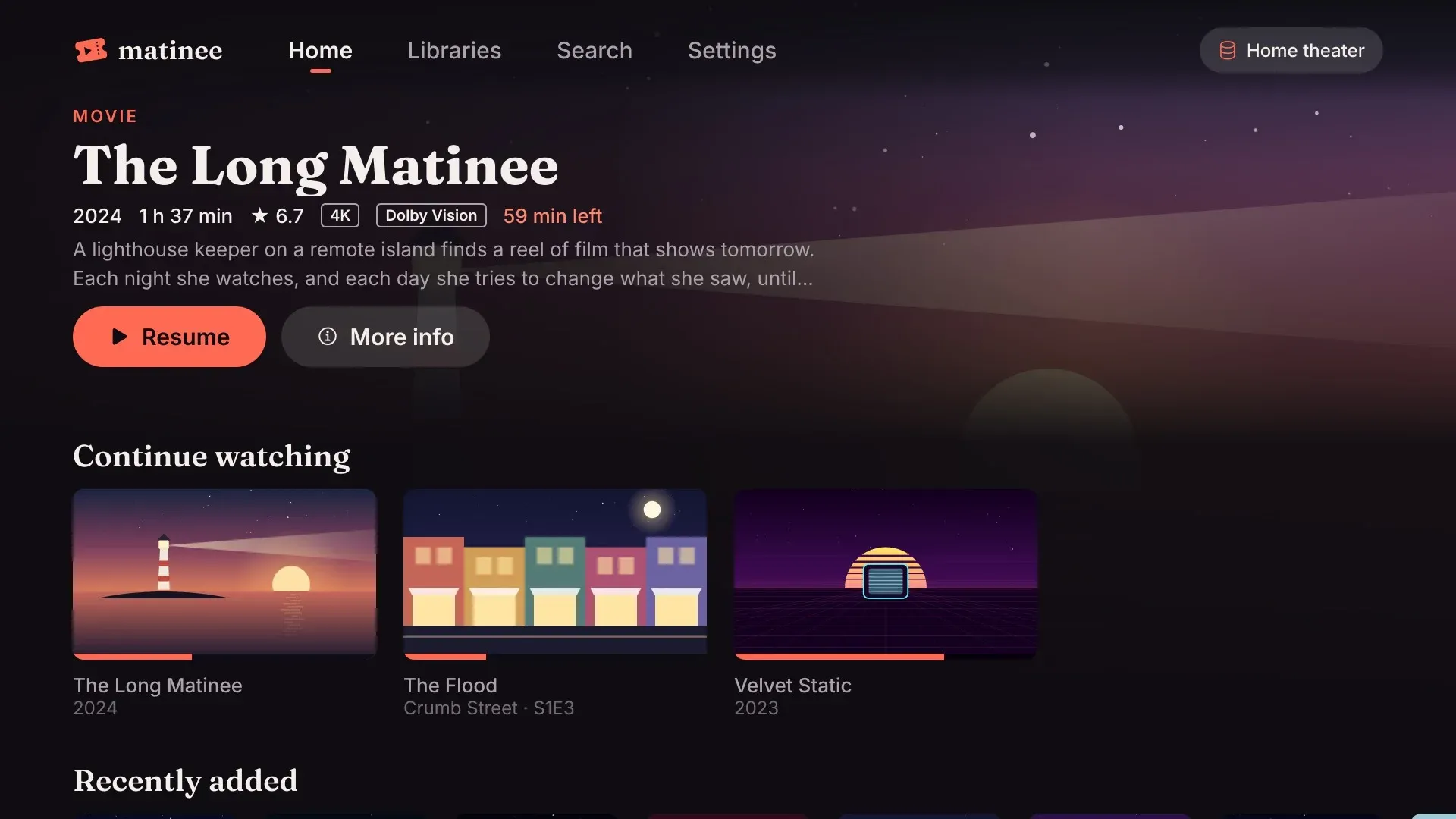
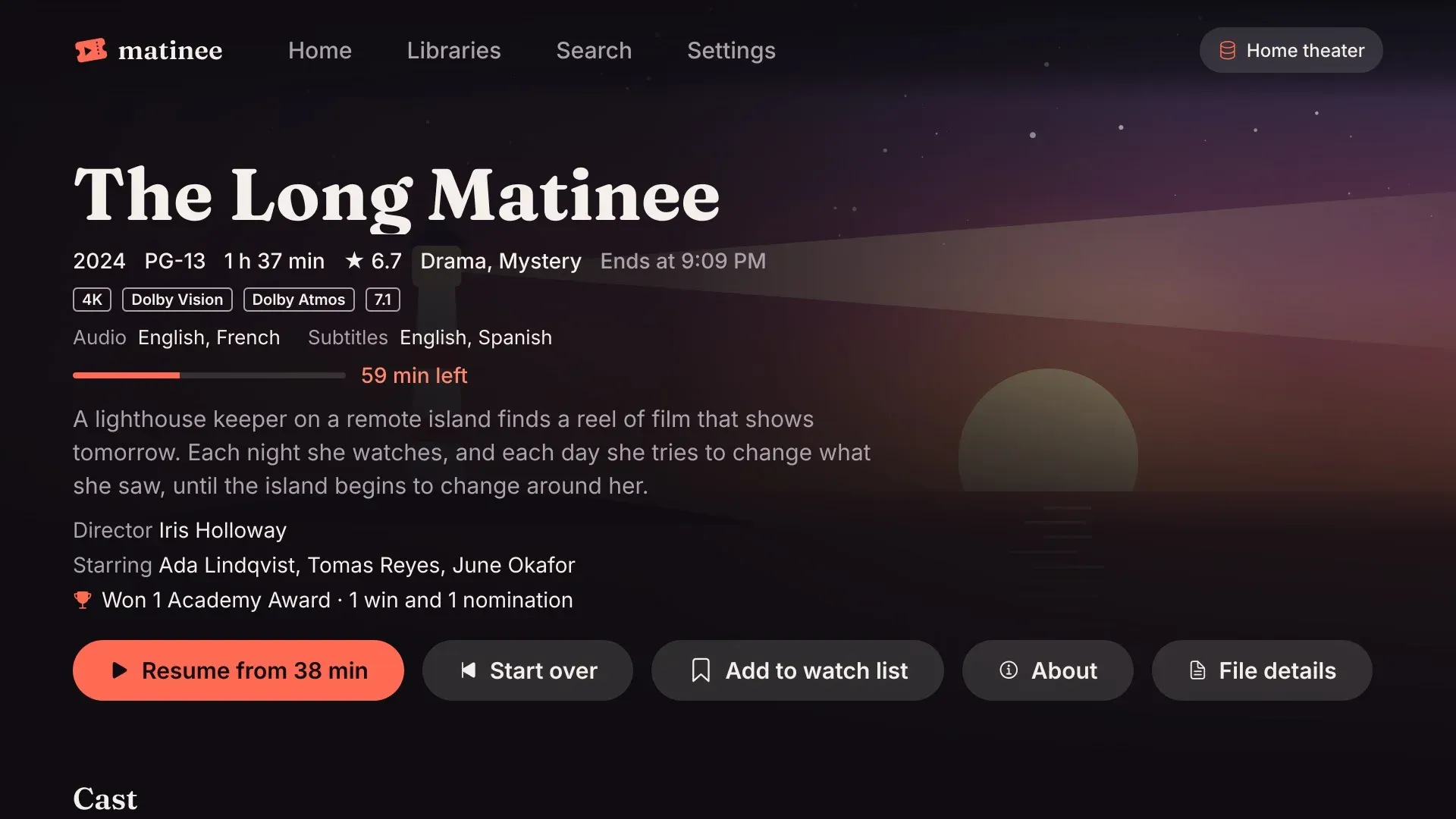
On Apple TV, the top shelf (the banner above Matinee’s icon on the home screen) shows your Continue watching, watch list and Recently added. Select one to open it, or press Play to start it.
Android TV and Google TV install the same app as Android phones, from Google Play.