Movie and show pages
Click any poster to open its page. Everything Matinee knows about the title is here.
At the top
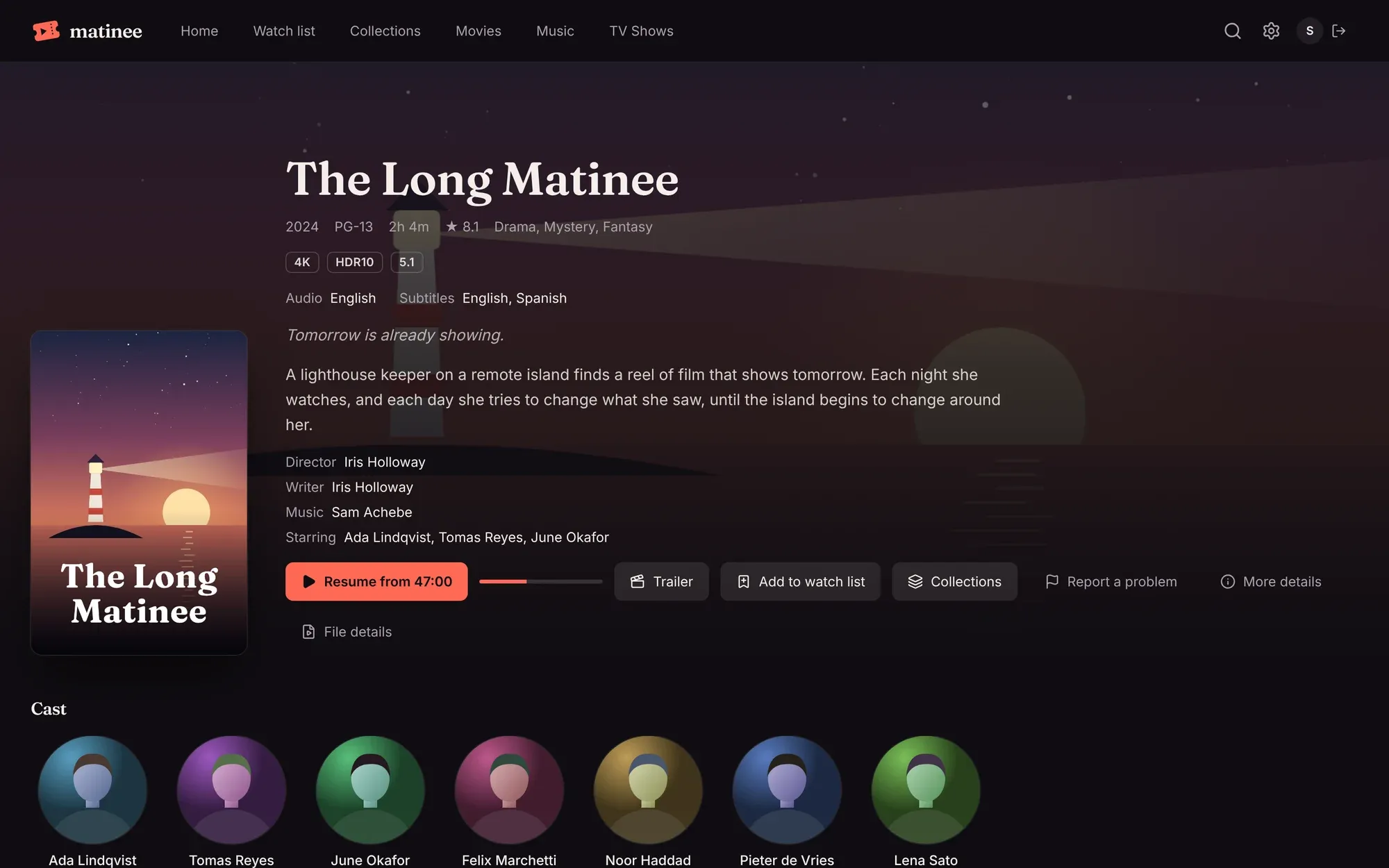
Section titled “At the top”- The basics: year, age rating, length, TMDB’s rating and genres.
- Badges for the picture and sound, from media analysis: 4K, HDR10, Dolby Vision, Dolby Atmos, 5.1 and so on.
- Audio and subtitle languages in the file.
- Tagline, description, director, writers, music and the main cast. Click a name to see their page.
The buttons
Section titled “The buttons”| Button | What it does |
|---|---|
| Play or Resume from 47:00 | Starts playing, or picks up where you stopped. The bar next to it shows how far you got. |
| Trailer | Plays a trailer: one of your own trailer files, or one from YouTube via TMDB. Shown when there is one. |
| Add to watch list | Saves it to your watch list. |
| Collections | Adds it to (or takes it out of) one of your collections. |
| Report a problem | Tells an admin what’s wrong: the picture, the sound, the subtitles, or the wrong title. Admins find reports under Requests (the inbox icon). |
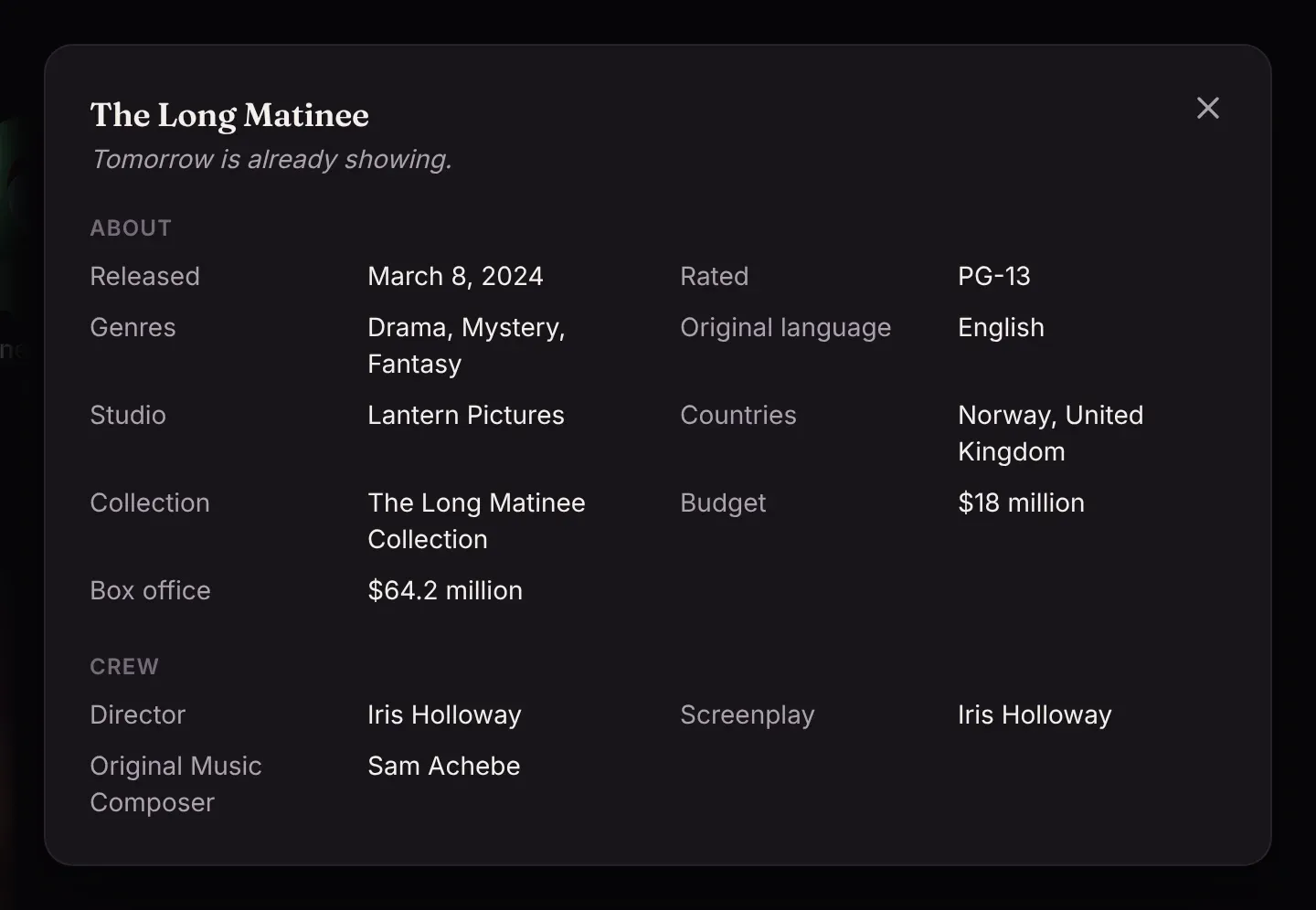
| More details | Release date, studio, countries, budget and box office, awards, and the full crew. |
| File details | Everything about the file itself: see File details. |
Cast, box sets and more like this
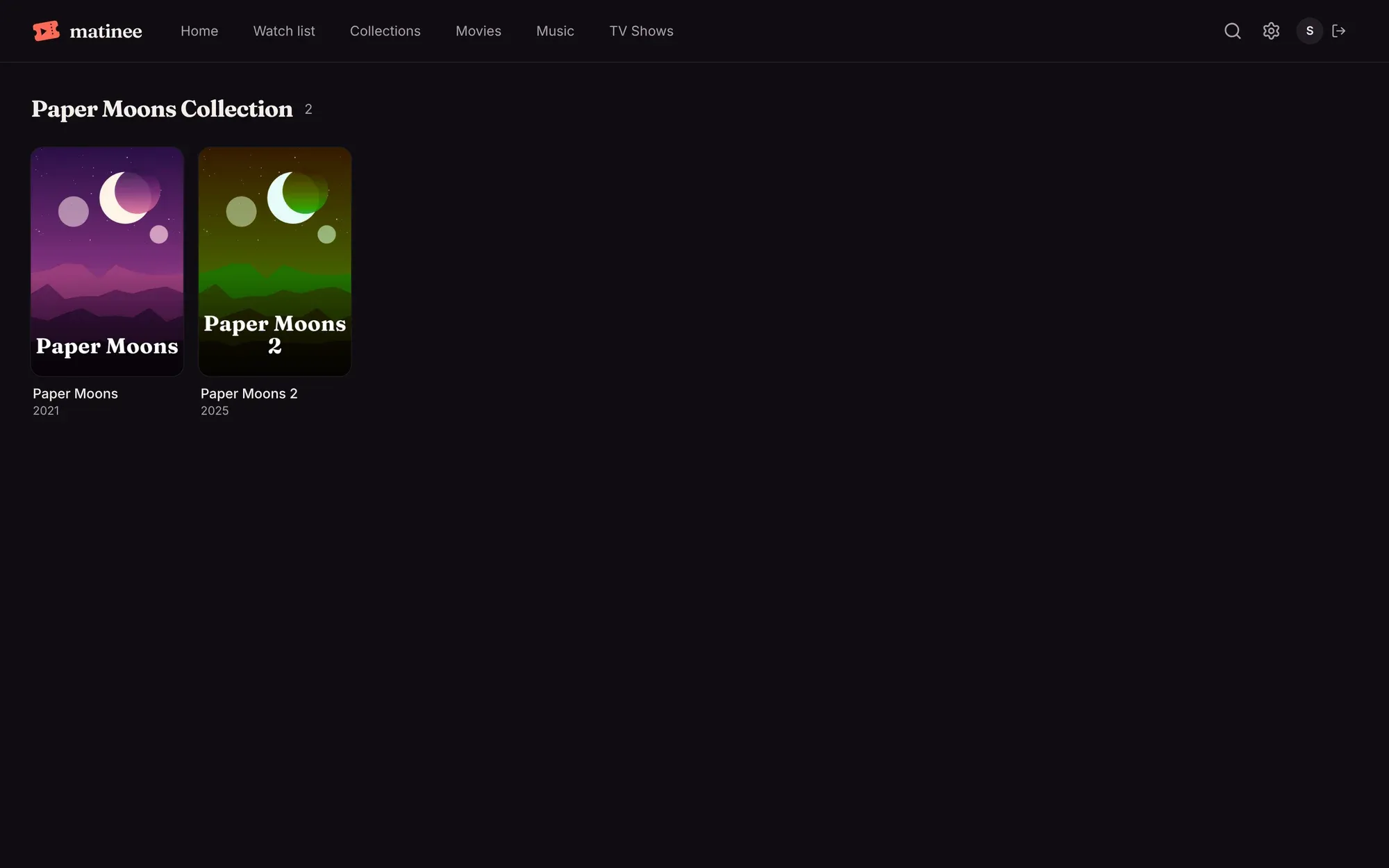
Section titled “Cast, box sets and more like this”Further down are the cast, with their photos and the parts they played, then the title’s box set (a trilogy or a series of films, from TMDB) if it has one, and More like this: titles in your library that TMDB links to it, or that share its genres and keywords.
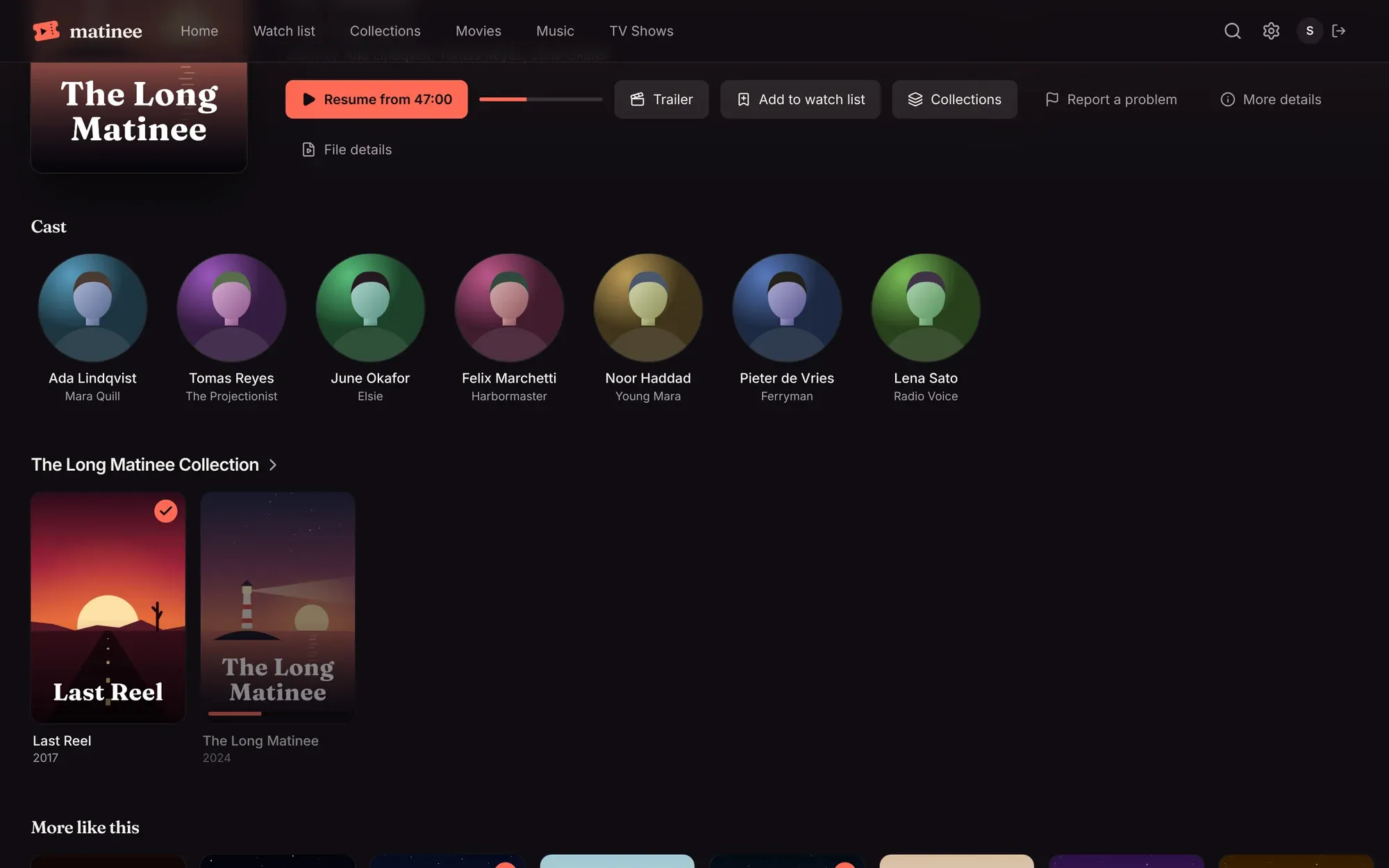
Click a box set’s name to see all its films, including where you are in the series.
People
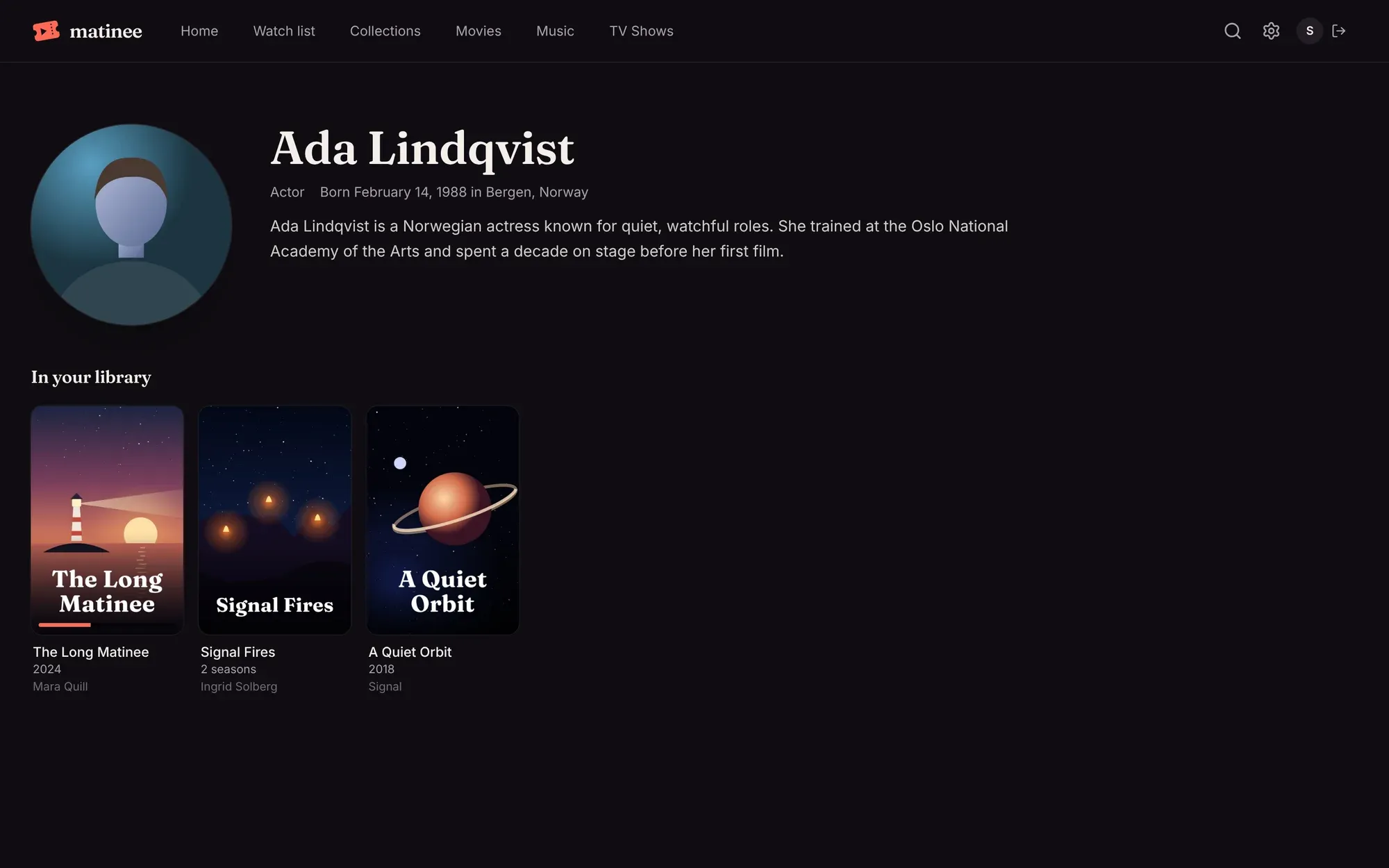
Section titled “People”Every name links to a page with the person’s photo, a short biography, and everything in your library they’re in, with the part they played.
Shows, seasons and episodes
Section titled “Shows, seasons and episodes”A show’s page has the same details plus its seasons. Play (or Resume episode 3) always starts the next episode you haven’t finished.
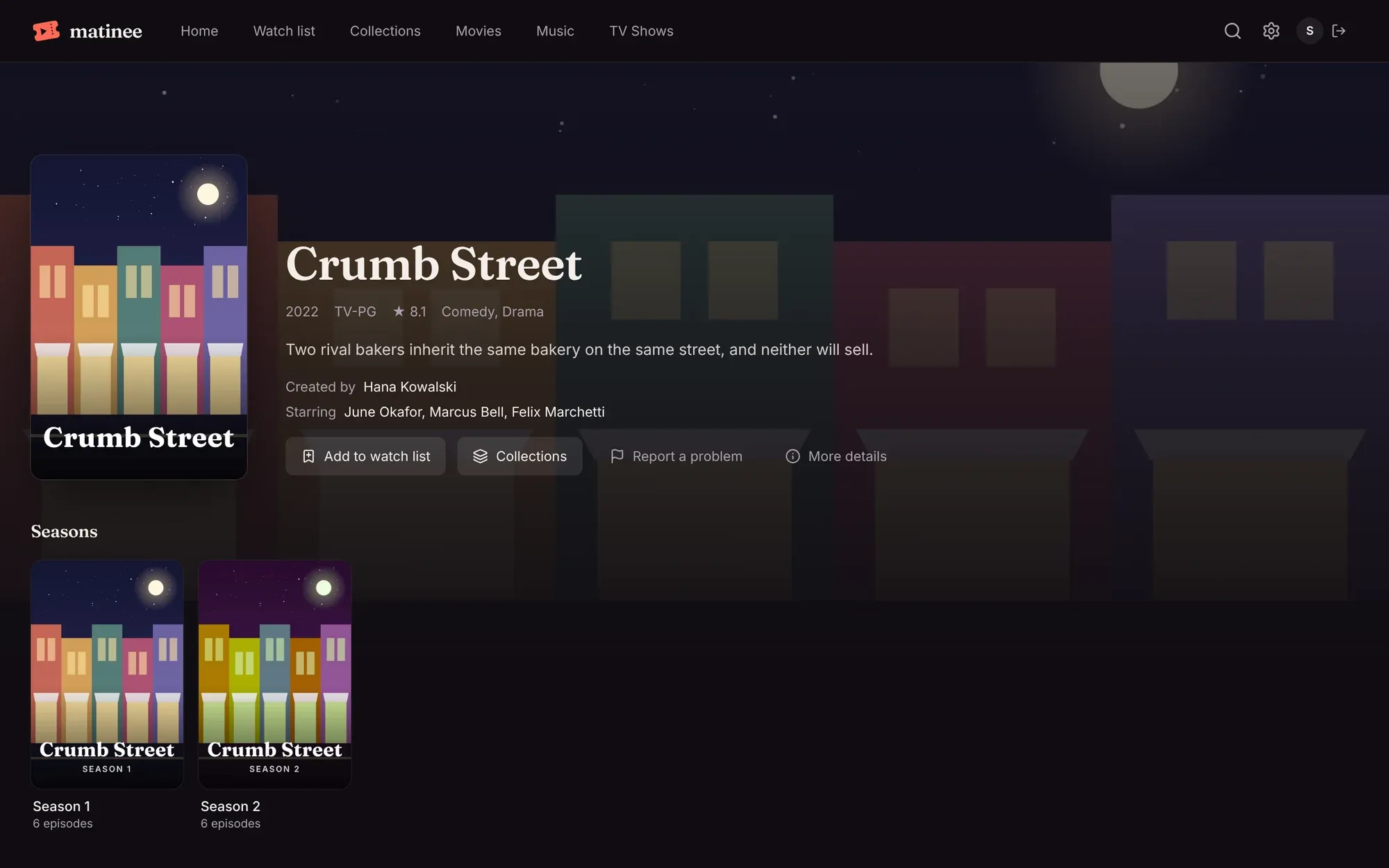
A season lists its episodes with a still, the length, a short description, and a tick for each one you’ve watched.

File details
Section titled “File details”File details shows what’s in the file: where it is on the server, its size and format, and each video, audio and subtitle track, with codecs, resolution, HDR, channels and languages.

An admin can click Analyze again after changing a file in place. Normally Matinee notices changes by itself.
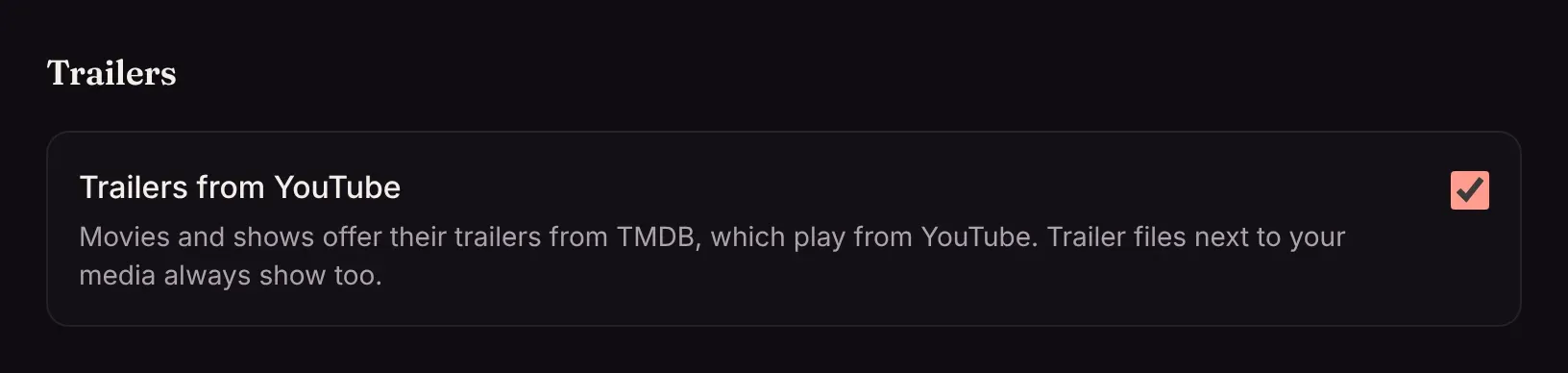
Trailers from YouTube
Section titled “Trailers from YouTube”Trailers from TMDB play from YouTube. An admin who’d rather not offer them can turn off Settings → Trailers → Trailers from YouTube; trailer files next to your media always show.