
Playing
Press Play on any movie or episode. The player fills the window; move the mouse or press a key to bring up the controls.

Controls and shortcuts
Section titled “Controls and shortcuts”| Button | Key | |
|---|---|---|
| Play or pause | ▶ | Space or K |
| Back or forward 10 seconds | ↺ ↻ | ← → |
| Mute | 🔈 | M |
| Subtitles on or off | CC | C |
| Fullscreen | ⛶ | F |
| Leave the player | ← at the top left | Esc |
Drag along the bar at the bottom, or click anywhere on it, to jump.
Subtitles
Section titled “Subtitles”The subtitles button lists every subtitle track: the ones inside the file and the files next to it. Pick one, or Off.
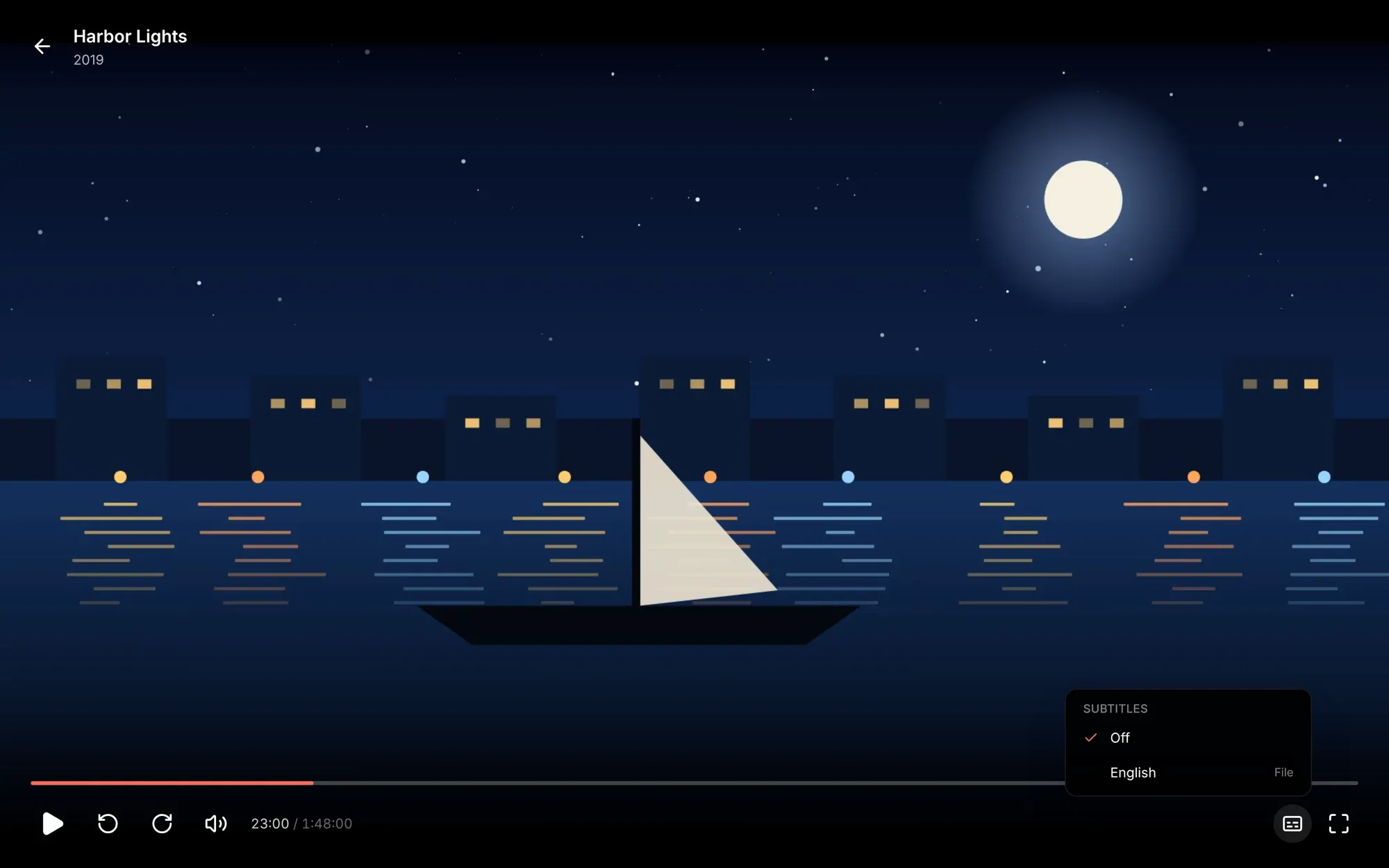
Matinee remembers the language you pick and uses it again for the next episode and the next film. Text subtitles (SRT, WebVTT, ASS) are drawn by the player, so they stay sharp at any size. Picture subtitles from Blu-rays and DVDs can’t be drawn that way, so Matinee burns them into the picture while it converts the video.
Picking up where you left off
Section titled “Picking up where you left off”Matinee saves your place as you watch, for you alone (or your profile). Stop on the TV and carry on in the browser, or the other way round. A title counts as watched once you’re past the credits, or past 92% if Matinee can’t tell where the credits start.
Up next
Section titled “Up next”When an episode’s closing credits start, a card offers the next episode with a 10-second countdown. Play now starts it straight away and Cancel goes back to the episode’s page. The countdown waits while the video is paused.
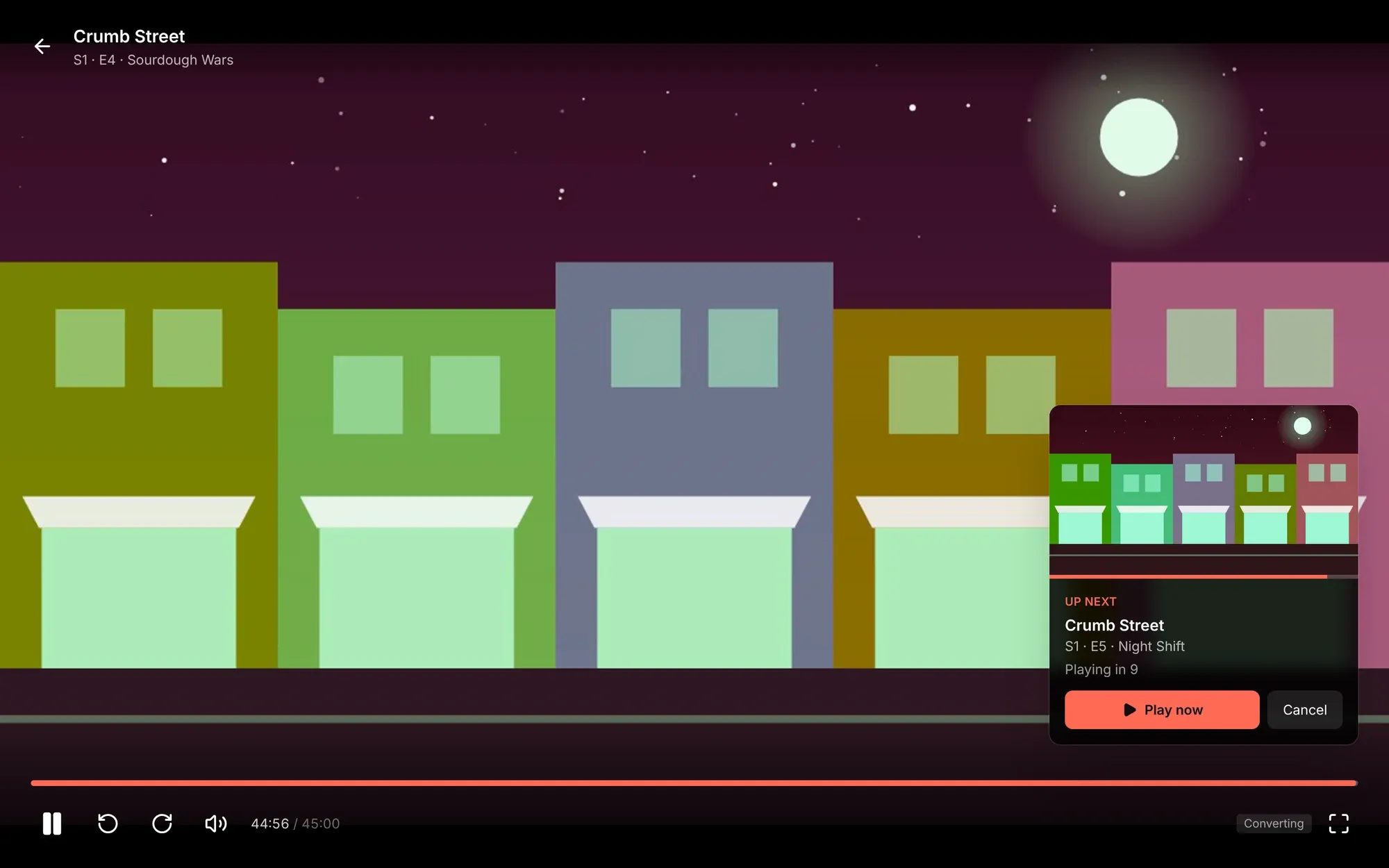
After three episodes in a row with nobody touching anything, Matinee asks Still watching? instead of counting down. At the end of a show’s last episode, it suggests a related show you haven’t finished.
Matinee finds where the credits start from the file’s chapters (a chapter called Credits, End Credits or Outro in the second half of the file). Without one, the card shows 30 seconds before the end.
You choose how this works for you under Settings → Playback: turn off Play the next episode, or turn on Skip the countdown to go straight on when the credits start. Your choice follows you to the apps.

How any file gets to play
Section titled “How any file gets to play”Browsers and devices can’t play every kind of video file, so Matinee does whatever is cheapest for each one:
- Plays it as it is, when the device can. Seeking is instant and the server does no work.
- Repackages it, when the video is H.264 but the container isn’t one the device takes (an MKV in a browser, for example). This costs almost nothing.
- Converts it while you watch with FFmpeg, for everything else, such as HEVC a browser can’t decode or picture subtitles to burn in. Matinee uses the server’s GPU if it has one. See Hardware transcoding.
You don’t pick any of this; it happens on its own. The File details show a file’s codecs if you want to know which it’ll be.