
Signing in a device
Typing a password with a TV remote is no fun, so the apps can sign in with a code instead.
- In the app, choose to sign in with a code. It shows a code such as
ABCD-EFGH. - On a phone or computer that’s already signed in to Matinee, go to
<your server>/link, or Settings → Your devices → Sign in a device. - Type the code and click Next, then approve the device.
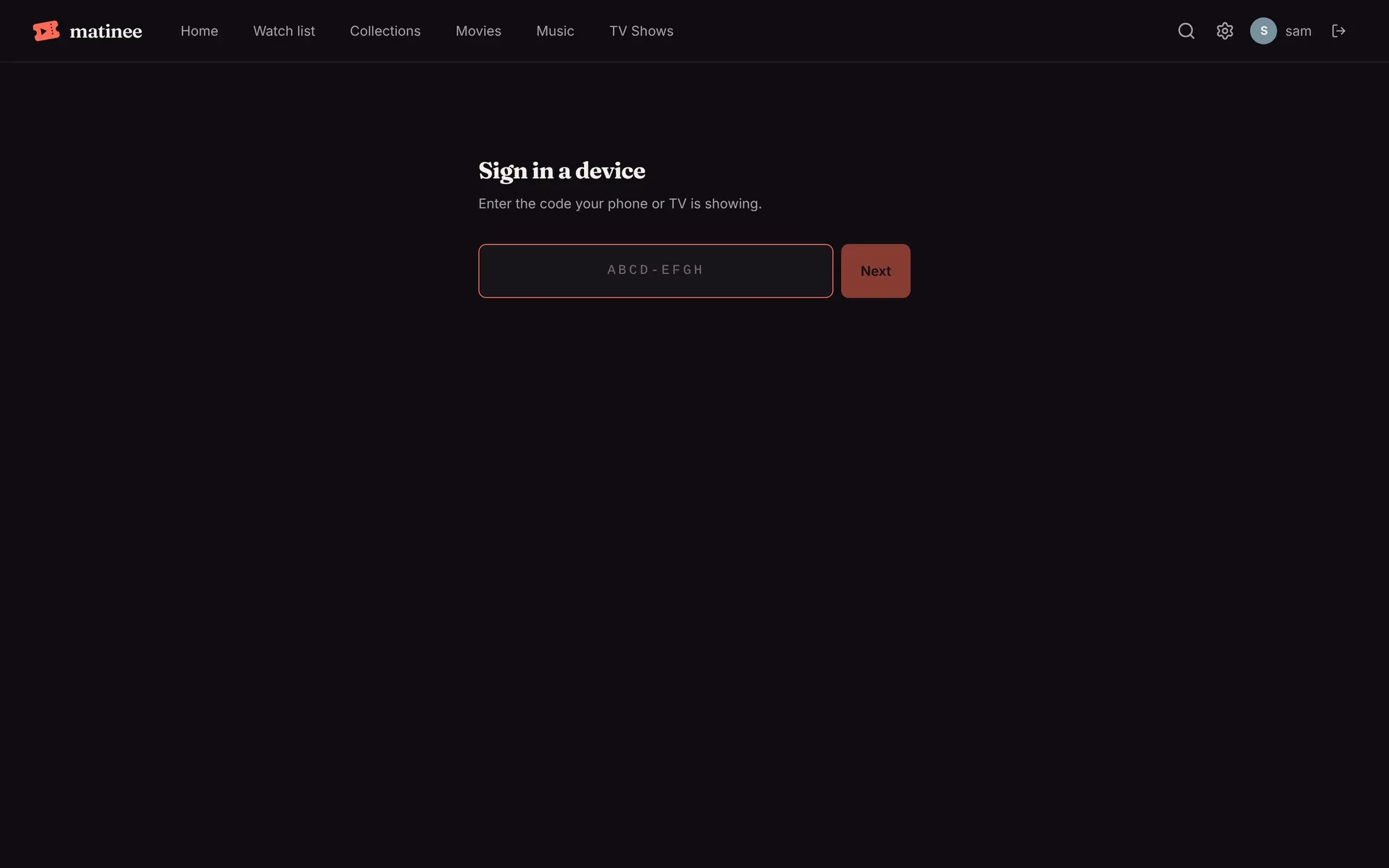
The app signs in by itself a moment later, as you.
Your devices
Section titled “Your devices”Settings → Your devices lists everywhere you’re signed in: browsers, phones and TVs, with each one’s name. Sign out one you don’t use any more, or one you’ve lost.
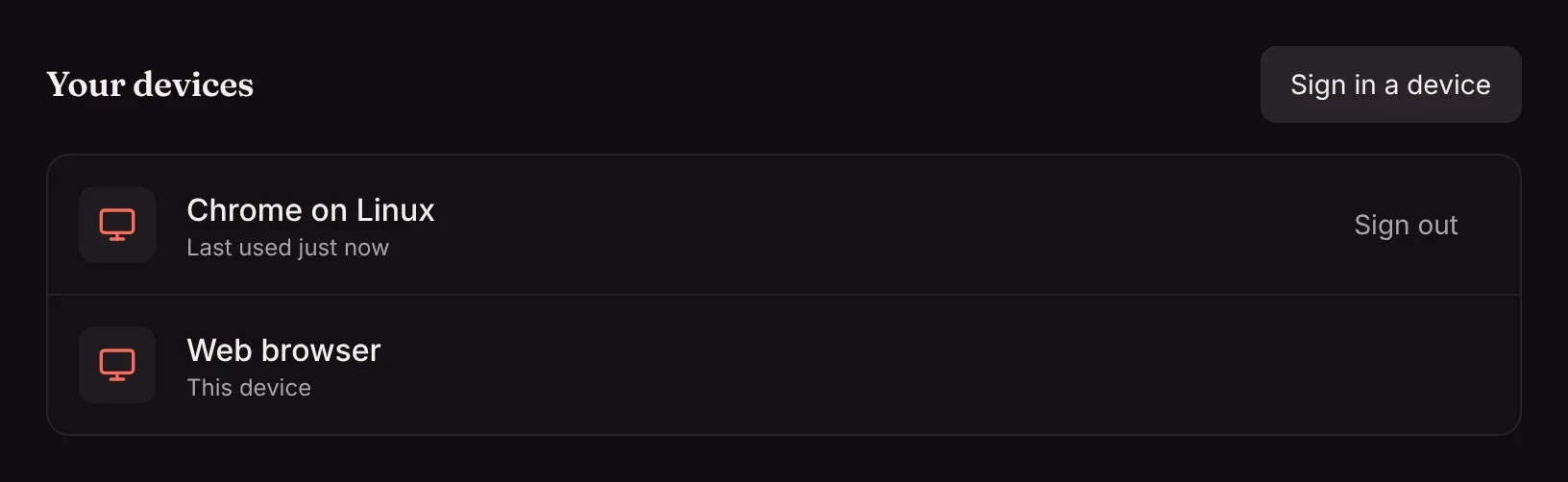
Changing your password signs out all your other devices. An admin resetting someone’s password signs that person out everywhere.