
Friends
Friends are people outside your household who watch on your server: your parents across town, a friend you watch a show with. You send them an invite link, they pick their own username and password, and their account sees only the libraries you chose for them.
Invite someone
Section titled “Invite someone”- Go to Settings → People and profiles → Friends.
- Type who it’s for (only you see this), and pick how long the link works: a day, a week or a month.
- Tick the libraries to share. Movies and TV are ticked to start with; home videos, music and anything else stay private until you tick them.
- Press Make invite link, then Copy or Share and send it however you like. Showing someone in person? The link also comes as a QR code they can scan with their phone’s camera, and QR code next to any unsent link brings it back.
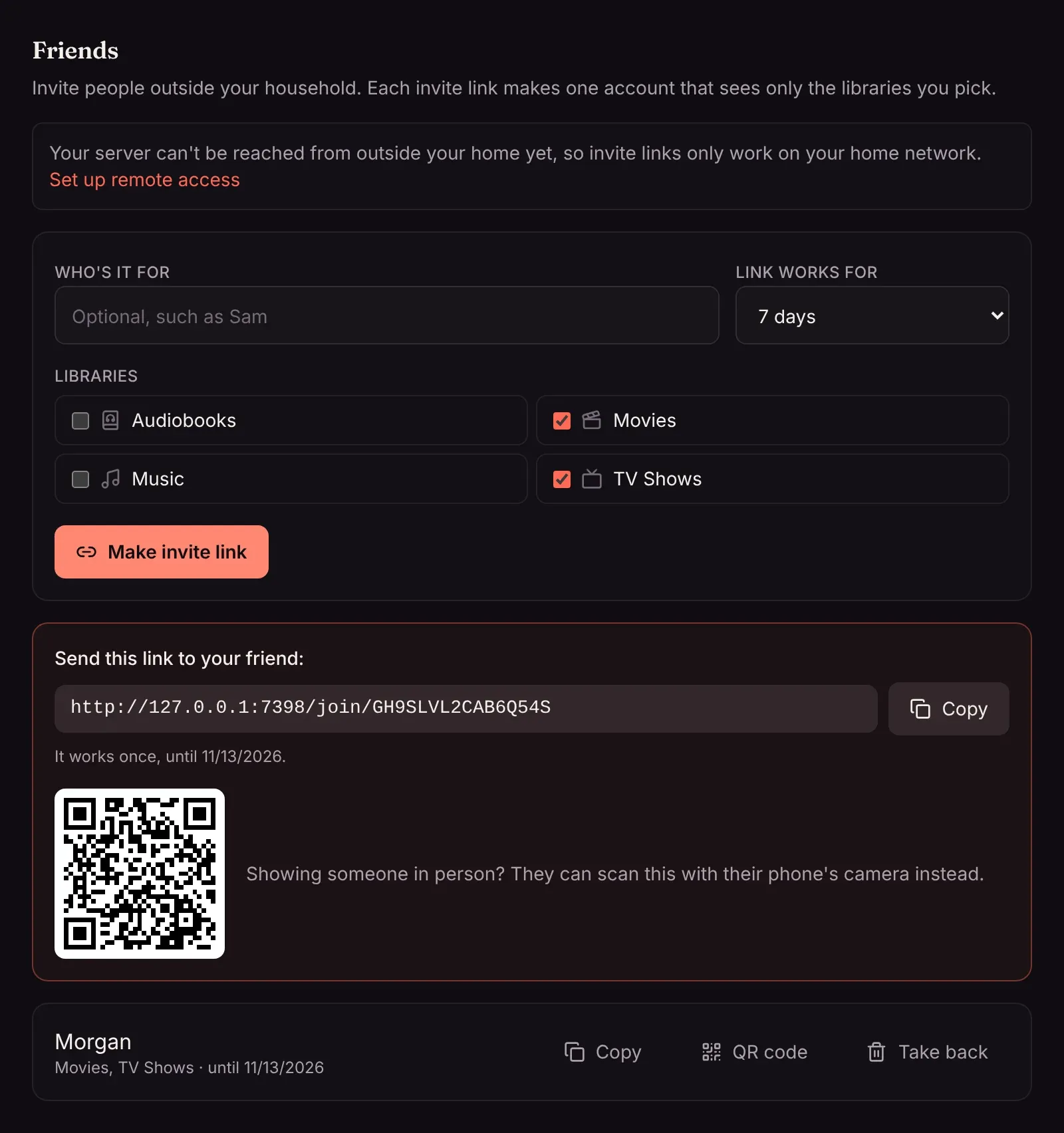
Each link works once. Links you haven’t sent yet are listed under the form: Copy gets the link again, and Take back stops it working. Used and expired links are kept below for a month, so you can see who joined and when.
What your friend sees
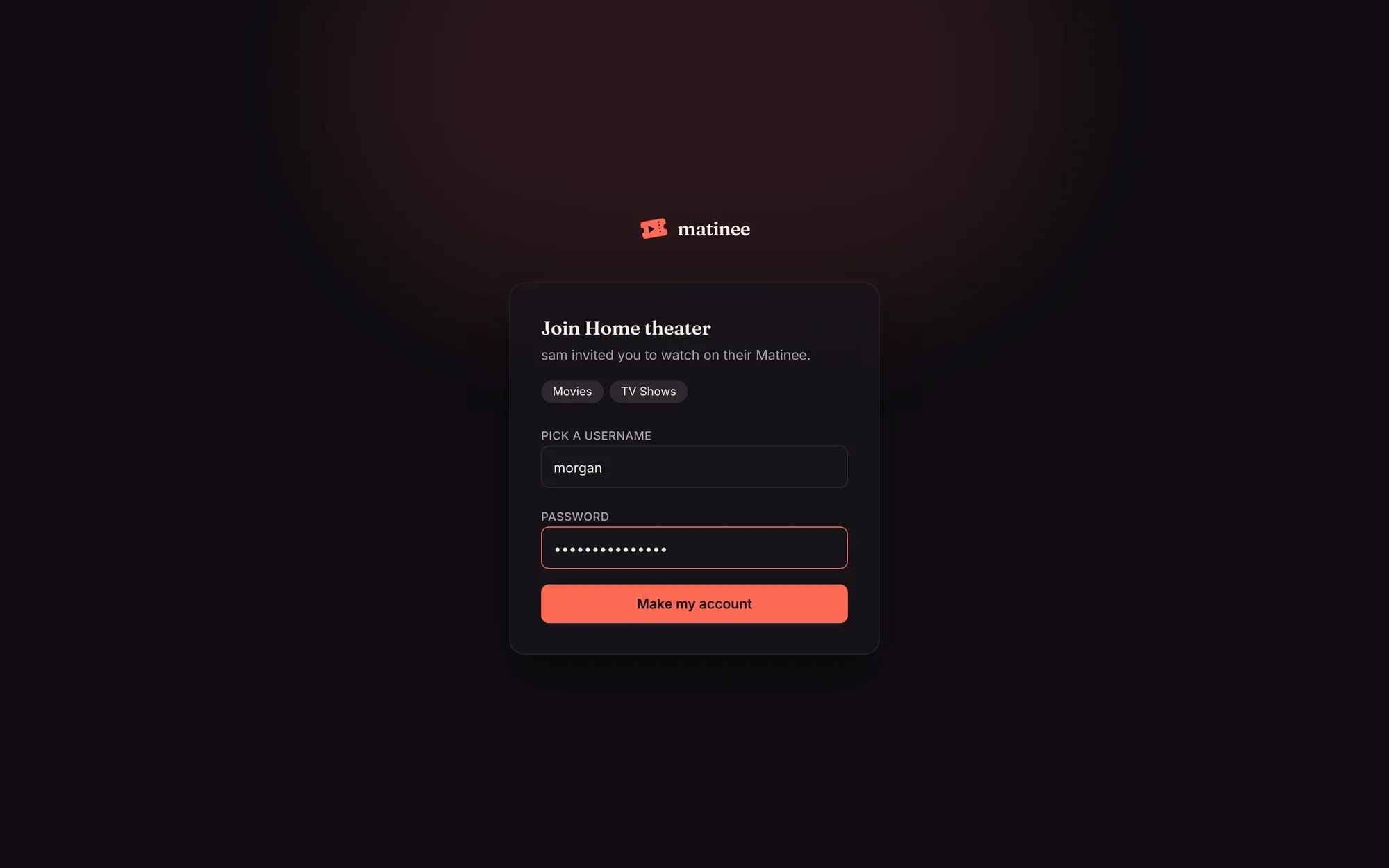
Section titled “What your friend sees”The link opens a page that says whose server it is and what you’ve shared. Your friend picks a username and password, and they’re in, watching in their browser straight away.
The page after that has the address to type into the phone and TV apps under Add server, and they sign in there with the same username and password. Once their phone app is signed in, they can set up their TV without typing the address on the remote: the TV app shows a QR code they scan with that phone. See Set up a new TV with your phone.
Phones and TVs without typing
Section titled “Phones and TVs without typing”The page after joining walks your friend through it:
- On a phone, Open in the Matinee app opens the app with your server already added and their username filled in, so they only type their password.
- On a computer, the page shows a QR code instead. They scan it with their phone’s camera, and the same thing happens on the phone. If the app isn’t installed yet, the page it opens says where to get it.
- On a TV, once the phone app is signed in, they open Matinee on the TV and pick Set up with your phone, then scan the TV’s code with the phone. Nothing to type on the remote.
The address is still on the page for anyone who’d rather type it.
Friends need to reach your server from outside your home, so turn on remote access first, or use your own domain. Until the server can be reached from outside, the Friends settings say so, and links only work on your home network.
Your server streams to friends directly. Nothing your friends watch goes through Yeix or anyone else.
What friends can and can’t do
Section titled “What friends can and can’t do”A friend’s account works like any other account: their own watch history, watch list, ratings, playlists and theme, and their own profiles if you make some for them. They can watch together with you and anyone else on your server.
They see only the libraries you shared: those libraries’ titles on Home, in search, in collections and on people’s pages, and nothing else. A library you add later stays hidden from friends until you share it with them. Friends can’t be admins.
Change what a friend sees
Section titled “Change what a friend sees”In Settings → People and profiles → People, friends have a Friend label. Press Libraries next to a friend to tick or untick libraries, then Save. Let them see everything turns them into a regular account that sees every library, like everyone in your household.
To stop someone watching, Remove them like any other account.