
Skipping intros
When an episode’s intro starts, the player shows Skip intro in the bottom corner. Press it to jump to where the episode carries on. The button stays while the intro plays and goes away when it’s over, so you can just as well watch it.

On phones and TVs
Section titled “On phones and TVs”In the phone and TV apps, Skip intro shows in the same place. On a TV it’s ready for the remote the moment it shows: press select to skip. Any other button works as usual, and the intro plays on.
Skipping every intro
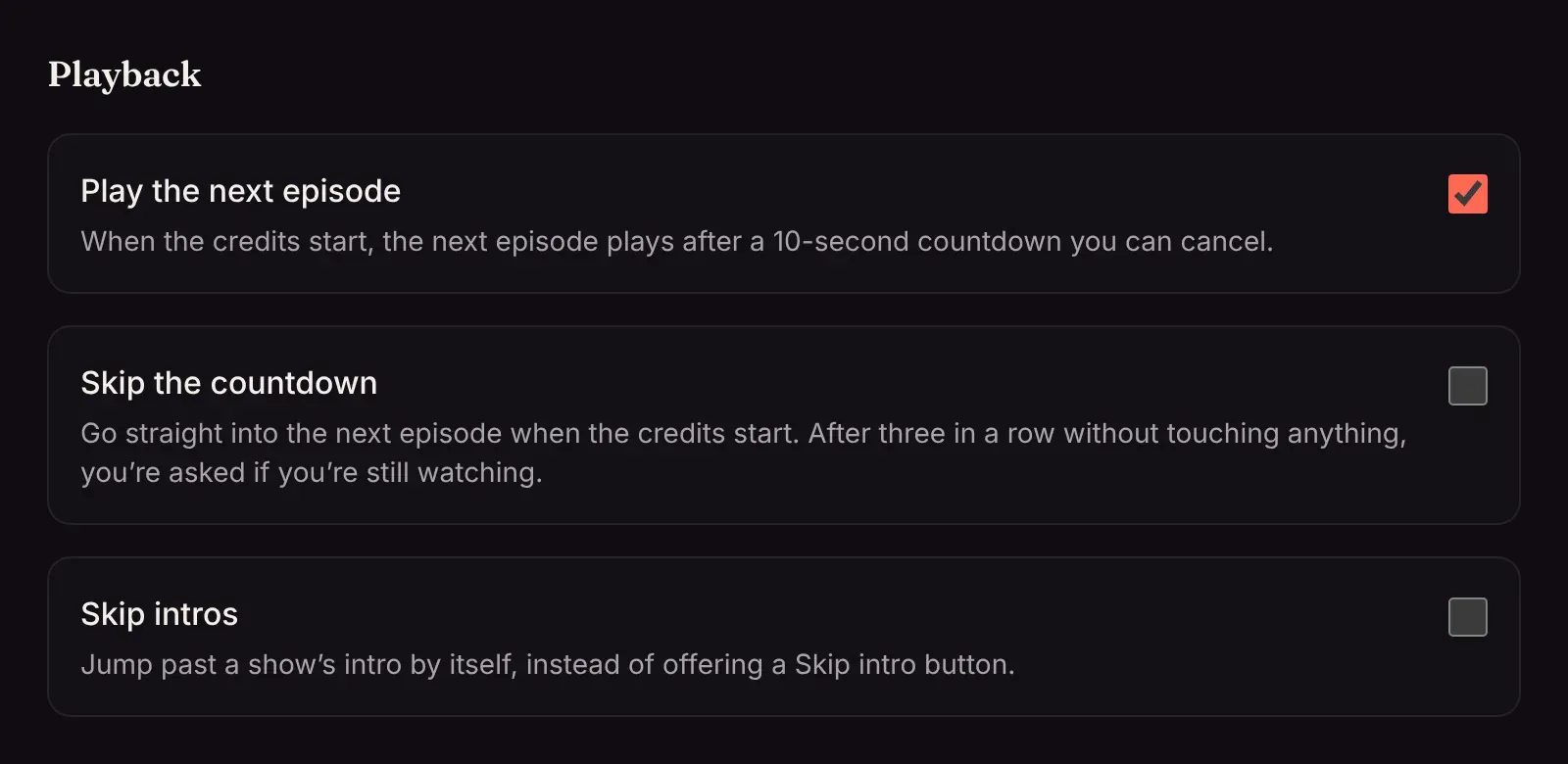
Section titled “Skipping every intro”If you never watch intros, turn on Skip intros under Settings → You → Playback (in the apps, under Settings). The player then jumps past each intro by itself and says so for a moment. It skips once per episode: seek back into the intro to watch it after all. Like the other playback choices, it’s yours alone, and follows you to every device.
How Matinee finds intros
Section titled “How Matinee finds intros”You don’t need to mark anything. Matinee finds each intro in one of two ways:
- Chapters. When an episode’s file has a chapter called Intro, Opening, Opening Credits or OP near its start, that’s the intro.
- Listening. Episodes of a season open with the same theme song. In the background, Matinee listens to the first part of each episode (up to ten minutes, enough for a long cold open) and looks for the stretch of sound that two episodes have in common. It finds the intro wherever it plays, after a cold open or at the very start, and even when every episode runs it at a different time.
Listening needs at least two episodes of a season, and an intro of 15 seconds or more. A season whose episodes have no shared opening, such as a show that cuts straight in, gets no button, which is right.
Matinee listens once each file is analyzed, at the same gentle pace, and only once per episode. A replaced file is listened to again. A new episode added to a season is compared with the episodes already there.
Admins can turn listening off under Settings → Libraries → Media analysis: turn off Find TV intros. Intros from chapters still work. The same card shows how many episodes Matinee has listened to and how many intros it found.
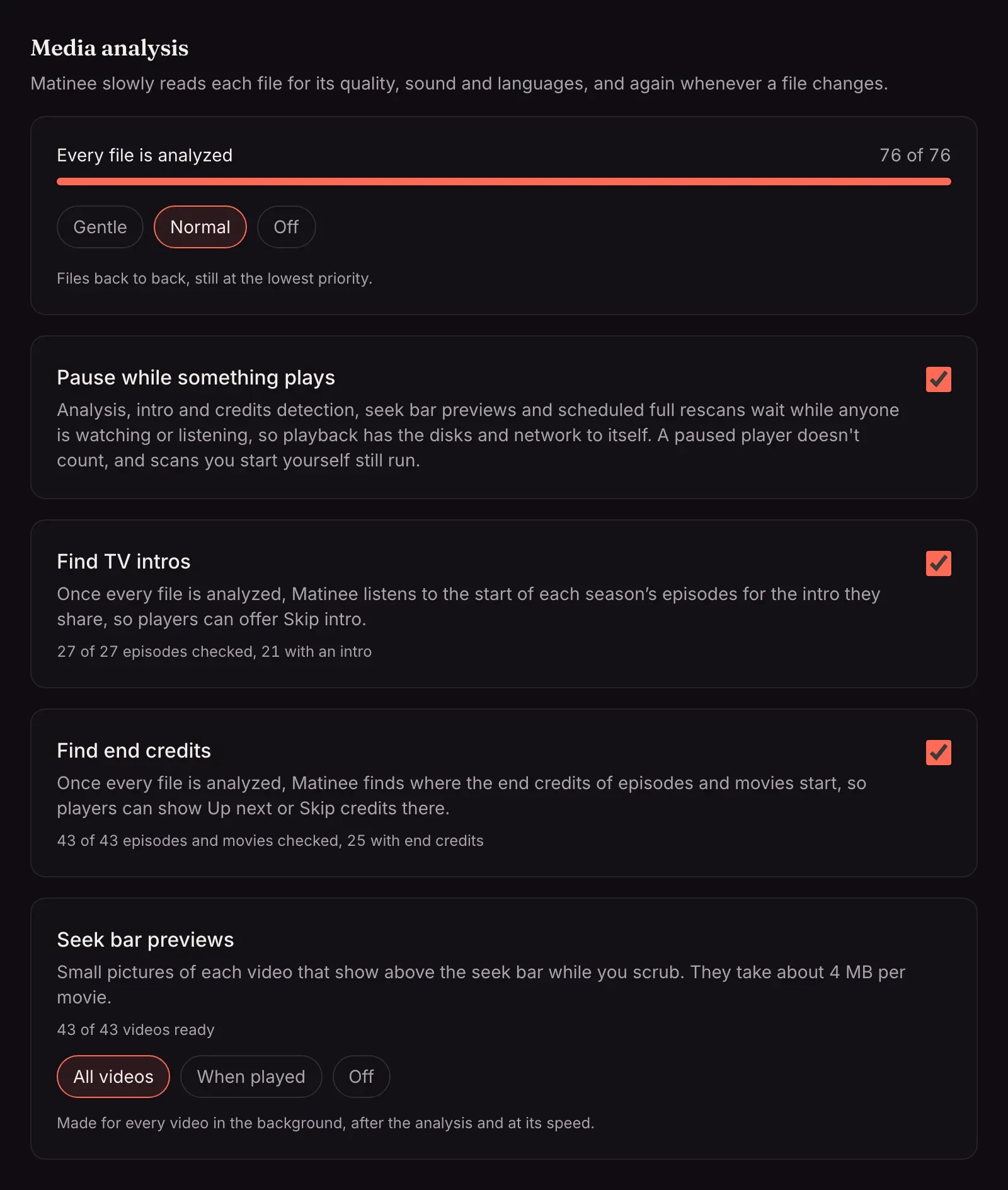
If an intro looks wrong for one episode, an admin can open that episode’s File details and choose Analyze again: Matinee reads the file once more and listens to it again.